
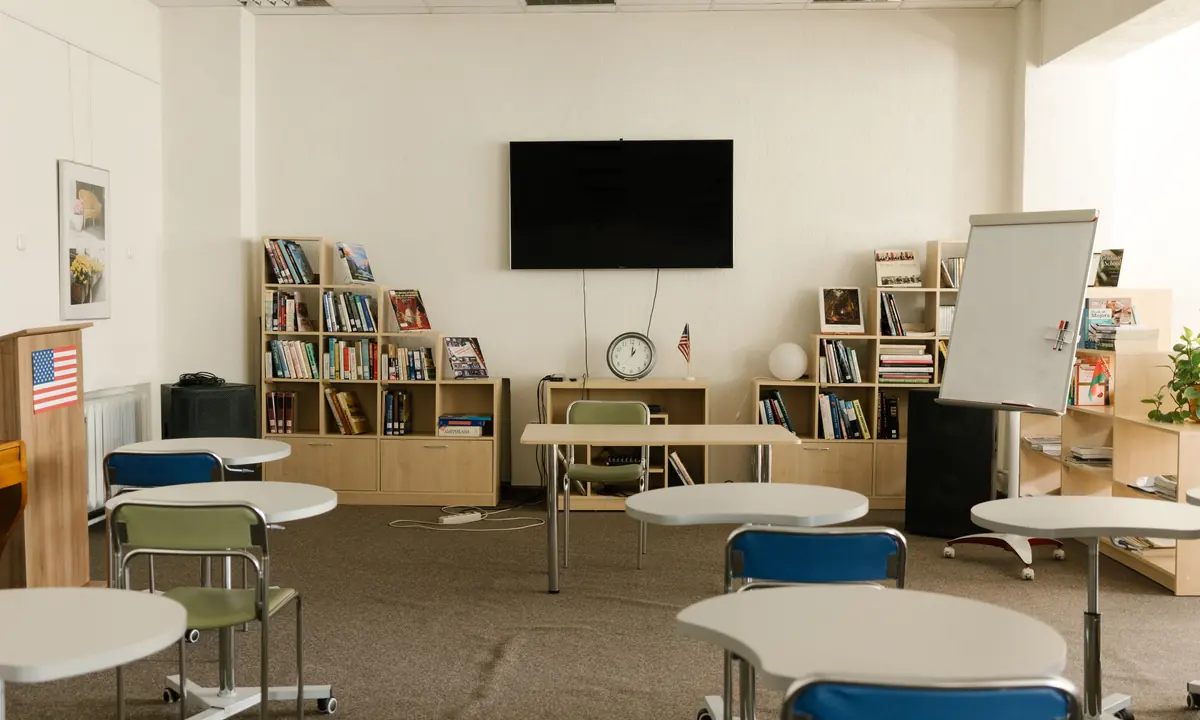
High schools & school boards
Show students how networks work, then give them a lab to try their first commands and test their own setup.
Talk school training For Schools
Teach networking and cybersecurity through hands-on labs. Give students a place to build, configure, and troubleshoot networks in their browser.
No account needed. We’ll follow up by email.
Use browser-based labs in class, in a computer lab, or with an after-school team. Ask about education rates for 10 or more accounts.
Show students how networks work, then give them a lab to try their first commands and test their own setup.
Talk school training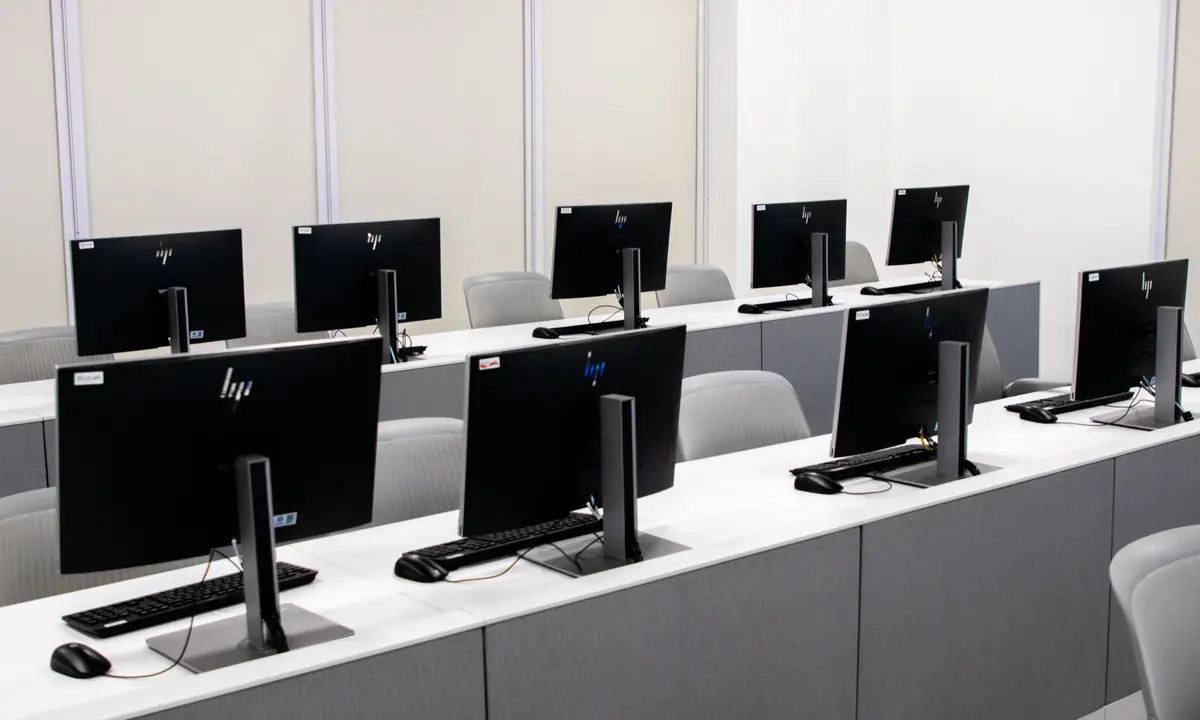
Connect lectures to guided configuration labs, troubleshooting exercises, and open-ended Sandbox projects.
Talk university trainingPreview three ways to organize hands-on practice. Ask us about using them with your students.
Independent networking practice for CyberPatriot teams. Build a small network, verify connectivity, and troubleshoot common configuration problems.
Start with IP addressing and switching. Build a small network and troubleshoot why devices can’t reach each other.
Practise securing device access, separating network traffic, and using firewall rules to control what can get through.
Choose guided labs and browser Sandbox exercises that match what you teach. Arrange them so students can build on each new skill.
Assign the path in Classroom. Check what each student has finished, review their submissions, and give feedback on their next step.
Build a network as you explain each connection. Invite a student to select a device and try the next step while the class watches.